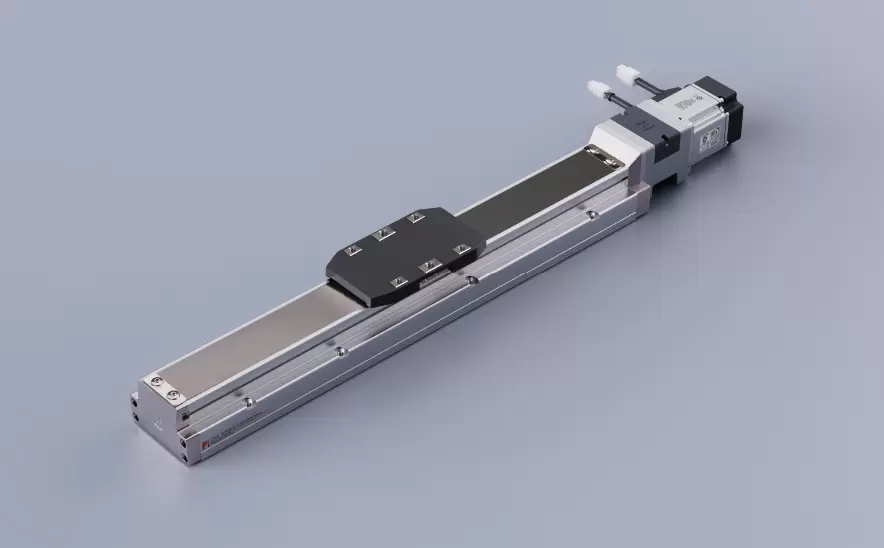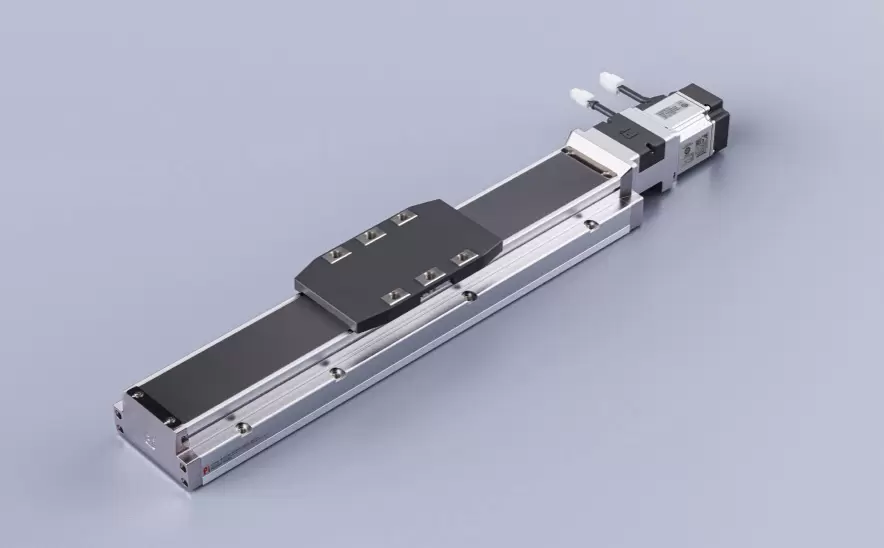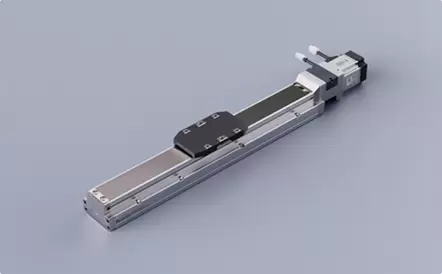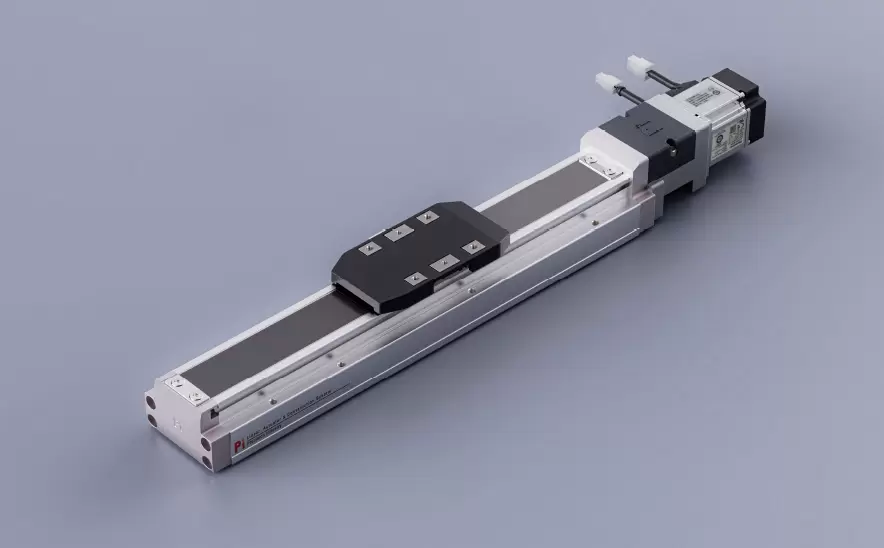
Motor Bottom Side
Repeatability:±0.005/0.01mmHorizontal Load:150kgVertical Load:55kgMaximum Speed:2000mm/sTravel Range:100-1500mm

 Current location:Home > Company > News > Latest news > How to Adjust Your Precision Positioning Slide Table for Different Tasks
 Date: Apr 29 2026
When working with a precision positioning slide table, small adjustments can make a big difference. Whether you're handling delicate inspection work, high-speed automation, or heavy-duty machining, tuning your slide table properly ensures accuracy, efficiency, and long-term reliability.
As someone who works closely with these systems every day, I’d like to walk you through practical, easy-to-follow ways to adjust your slide table for different tasks—without overcomplicating things.
Before touching a single screw or setting, take a moment to define what you actually need:
High precision? (e.g., semiconductor inspection)
High speed? (e.g., pick-and-place automation)
Heavy load? (e.g., industrial assembly)
Each scenario requires a different balance between speed, stability, and accuracy. Misalignment between your setup and your application is one of the most common causes of poor performance.
Preload refers to the internal tension within the slide’s guide system (often linear guides or ball screws).
Higher preload
Increases rigidity
Reduces vibration
Ideal for precision machining or measurement
Lower preload
Reduces friction
Allows smoother, faster movement
Better for high-speed or low-load tasks
Tip: If you notice vibration during operation, slightly increasing preload can help—but avoid over-tightening, as it can increase wear.
If your slide table is motor-driven (servo or stepper), motion parameters matter just as much as mechanical adjustments.
For precision tasks:
Use lower speeds and gradual acceleration to minimize overshoot.
For high-throughput tasks:
Increase speed, but keep acceleration within safe limits to avoid mechanical stress.
A good rule of thumb:
Smooth motion is often more important than fast motion.
Even the best slide table won’t perform well if it’s not aligned correctly.
Check for:
Parallelism with mounting surfaces
Straightness along the travel path
Proper coupling between motor and drive components
Quick check:
Run the table across its full stroke and listen—unusual noise or resistance often indicates misalignment.
Uneven loads can lead to premature wear and reduced accuracy.
Position the load as close to the center of the slide as possible
Avoid overhanging भार (especially in cantilever setups)
Use dual rails or reinforced models for wider or heavier loads
If your application changes frequently, consider using modular fixtures that allow quick repositioning.
Different tasks may require different lubrication approaches:
High-speed applications: Use low-viscosity lubricants to reduce resistance
Heavy-load applications: Use higher-viscosity grease for better protection
Regular lubrication not only improves performance but also extends service life significantly.
For tasks requiring micron-level accuracy:
Perform zero-point calibration before operation
Use external measurement tools (dial indicators, laser systems) if needed
Check repeatability over multiple cycles
Even slight deviations can accumulate over time, so periodic recalibration is essential.
After making adjustments, always run a test cycle:
Start with low speed
Observe motion stability
Check for noise, vibration, or deviation
Only move to full operation once everything looks and feels right.
Adjusting a precision positioning slide table isn’t about making big changes—it’s about making the right small ones. By understanding your task requirements and fine-tuning accordingly, you can dramatically improve both performance and lifespan.
If you’re frequently switching between different applications, it may also be worth documenting your settings. Having a quick reference can save time and ensure consistency across operations.