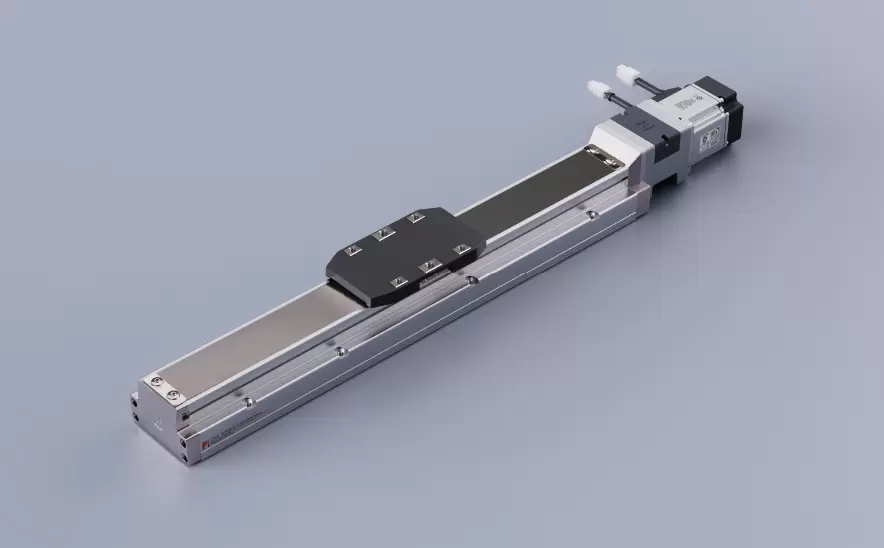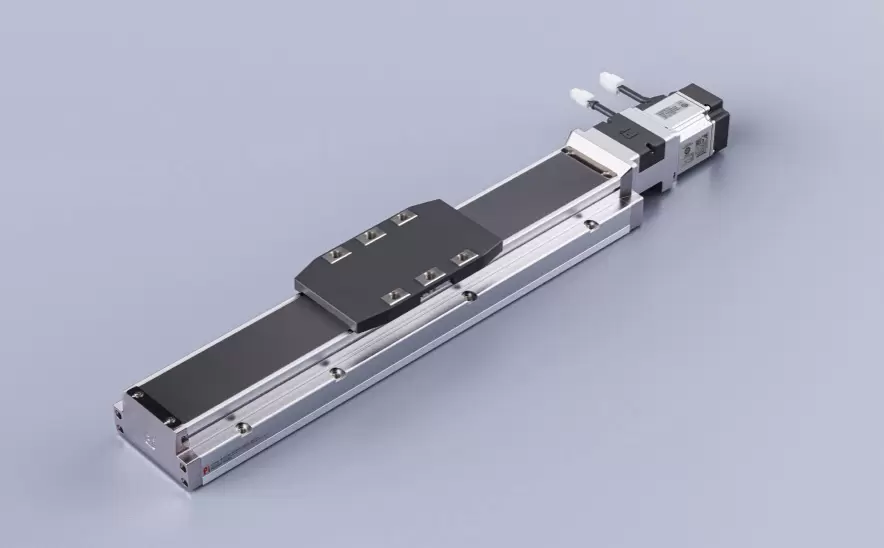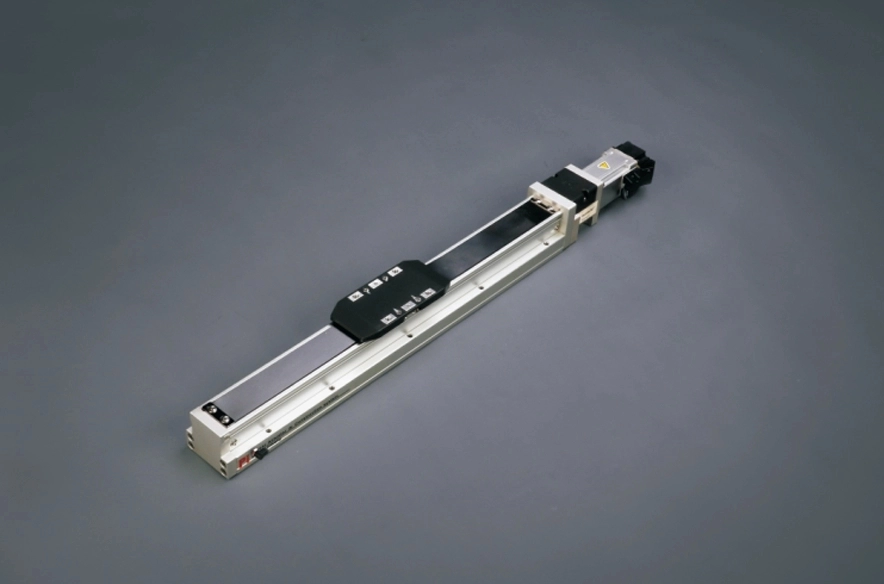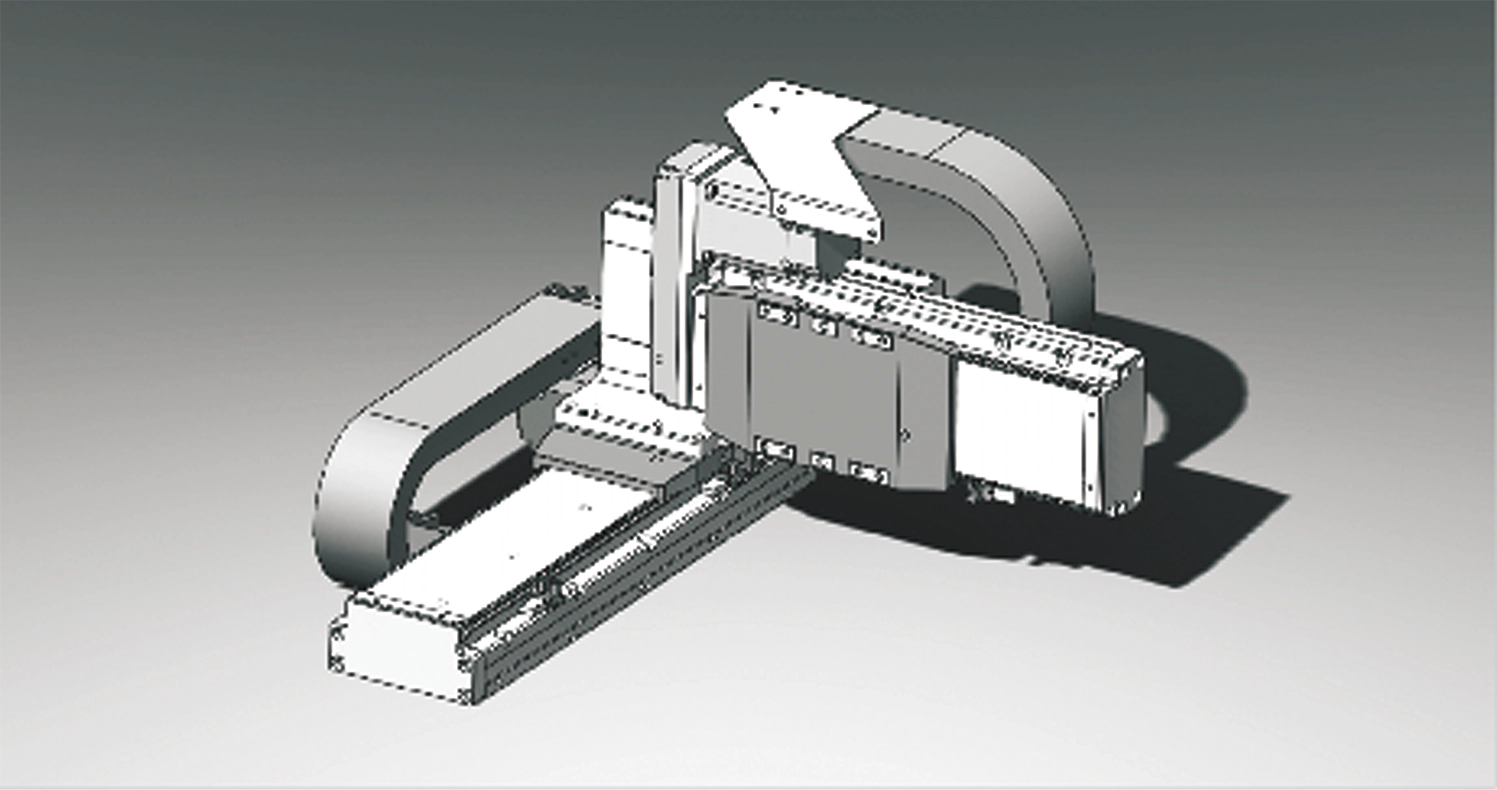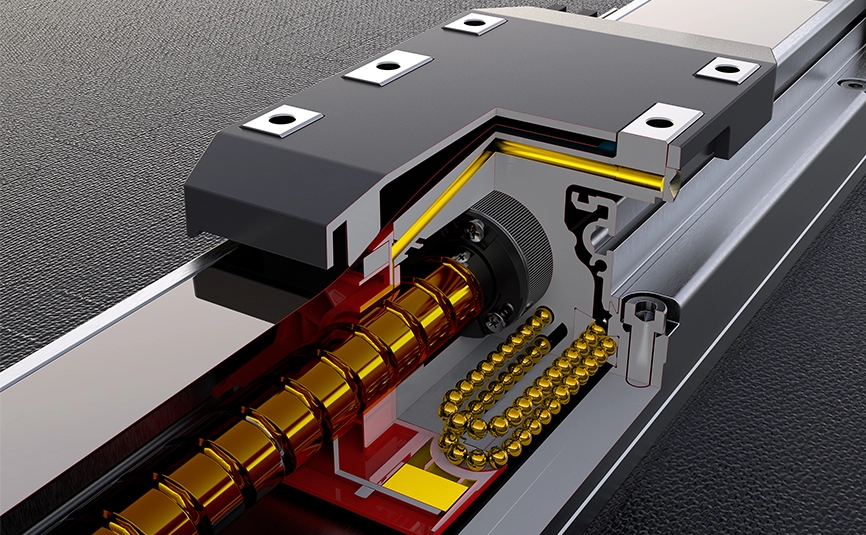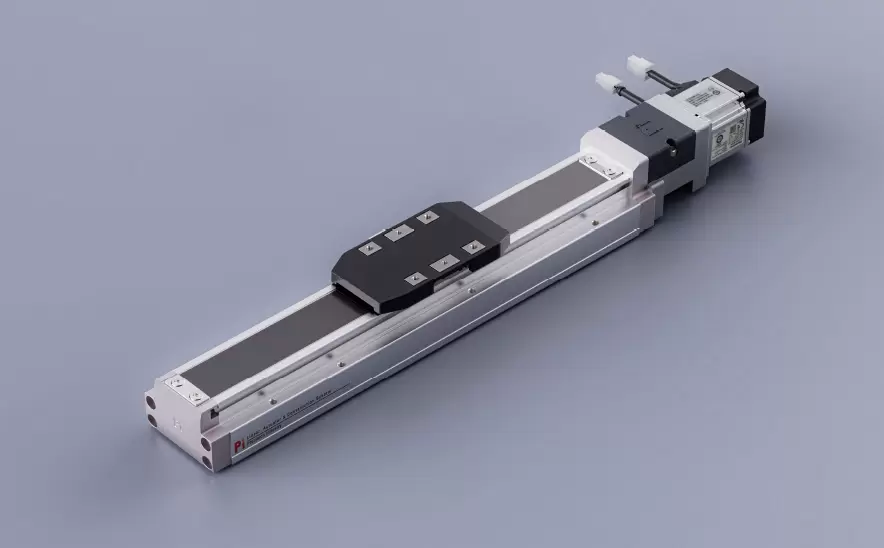
Motor Bottom Side
Repeatability:±0.005/0.01mmHorizontal Load:150kgVertical Load:55kgMaximum Speed:2000mm/sTravel Range:100-1500mm

 Current location:Home > Company > News > Latest news > How to Troubleshoot Common Problems with Precision Positioning Slide Tables
 Date: Apr 22 2026
Precision positioning slide tables are vital tools for industries that require highly accurate and repeatable motion. From automated assembly lines to optical inspection systems, these devices enable precise control over component movement. However, even the best slide tables can encounter occasional problems that affect performance, accuracy, or reliability.
Understanding common issues and knowing how to address them can save time, prevent damage, and maintain productivity. The following guide outlines practical troubleshooting steps for the most frequent slide table challenges.
Problem: The slide table fails to return to the exact same position, causing errors in machining, measurement, or assembly tasks.
Possible Causes:
Loose mounting or mechanical misalignment
Uneven or off-center load
Wear on guide rails, bearings, or drive components
Electrical noise or encoder inaccuracies
Troubleshooting Steps:
Check that the table and mounted components are securely fastened.
Verify that the load is balanced and centered on the platform.
Inspect guide rails, bearings, and screws for wear or debris.
Confirm encoder connections and signal integrity.
Recalibrate the system if necessary.
Problem: The slide table produces excessive noise, rattling, or vibration during motion.
Possible Causes:
Insufficient or incorrect lubrication
Loose fasteners or mounting bolts
Worn or damaged drive components
High acceleration or speed settings
Troubleshooting Steps:
Ensure all moving parts are properly lubricated according to manufacturer recommendations.
Tighten any loose bolts or hardware.
Inspect the drive system for signs of wear or damage.
Adjust motion profiles to reduce acceleration and speed if necessary.
Run the system empty to determine if vibration is load-related.
Problem: The table does not move smoothly and may jerk or hesitate during travel.
Possible Causes:
Contamination on guide rails or ball screws
Dry or insufficient lubrication
Mechanical misalignment or binding
Electrical or software issues affecting the controller
Troubleshooting Steps:
Clean guide rails and mechanical components of dust, chips, or debris.
Apply the recommended lubricant evenly along the travel path.
Check alignment and adjust as needed.
Inspect electrical connections and verify proper controller operation.
Test with minimal load to isolate the problem.
Problem: The slide table fails to move, stops unexpectedly, or produces error codes.
Possible Causes:
Overload or overcurrent condition
Encoder or sensor malfunction
Loose or damaged cables
Controller or software settings mismatch
Troubleshooting Steps:
Check that the load does not exceed the table’s rated capacity.
Inspect cables, connectors, and sensors for damage.
Review motion profiles and controller settings for errors.
Reset the system and attempt movement with a reduced load.
Consult the manufacturer if error codes persist.
Problem: The slide table gradually loses precision, resulting in inconsistent or off-target positioning.
Possible Causes:
Wear on linear guides, bearings, or ball screws
Environmental factors such as temperature fluctuations or vibration
Accumulation of debris or contaminants
Lack of routine maintenance and calibration
Troubleshooting Steps:
Perform a detailed inspection of mechanical components.
Clean and lubricate moving parts regularly.
Ensure the operating environment is stable and free from excessive vibration or temperature swings.
Schedule periodic calibration to restore accuracy.
Replace worn components as needed.
Follow the manufacturer’s guidelines for installation, loading, and motion settings.
Keep the workspace clean and free of debris.
Implement a preventive maintenance routine including lubrication, inspection, and calibration.
Train operators on proper use and early detection of abnormal behavior.
Precision positioning slide tables are highly reliable tools, but like any mechanical system, they can encounter issues if not properly maintained or operated. By understanding common problems—such as positioning drift, vibration, jerky motion, drive errors, and reduced accuracy—and knowing how to troubleshoot them, operators can keep their equipment running smoothly and maintain high levels of precision.
Routine maintenance, careful operation, and proactive monitoring are the best ways to prevent small issues from turning into costly downtime, ensuring that your slide table continues to deliver consistent performance in demanding applications.