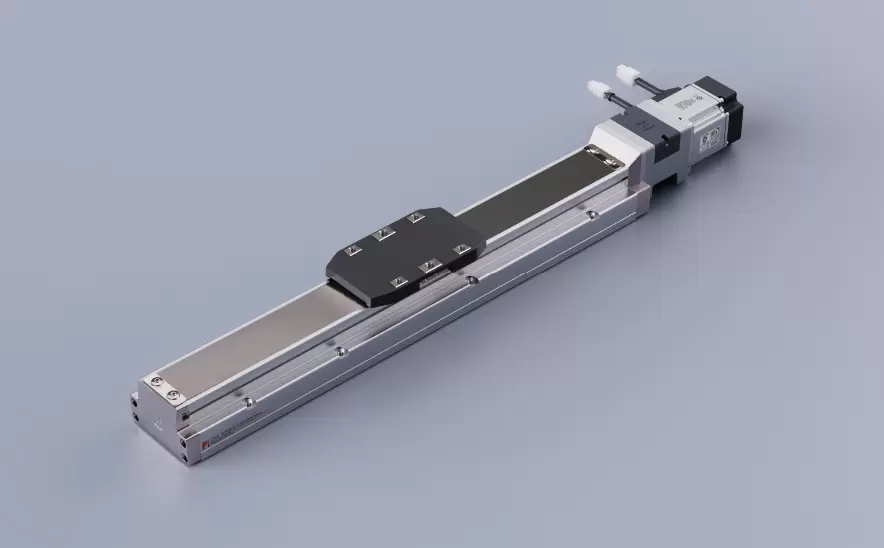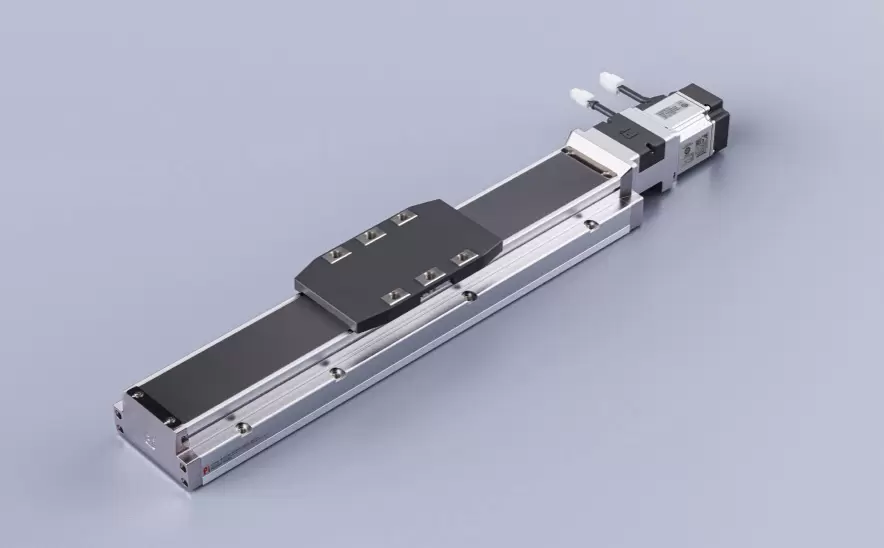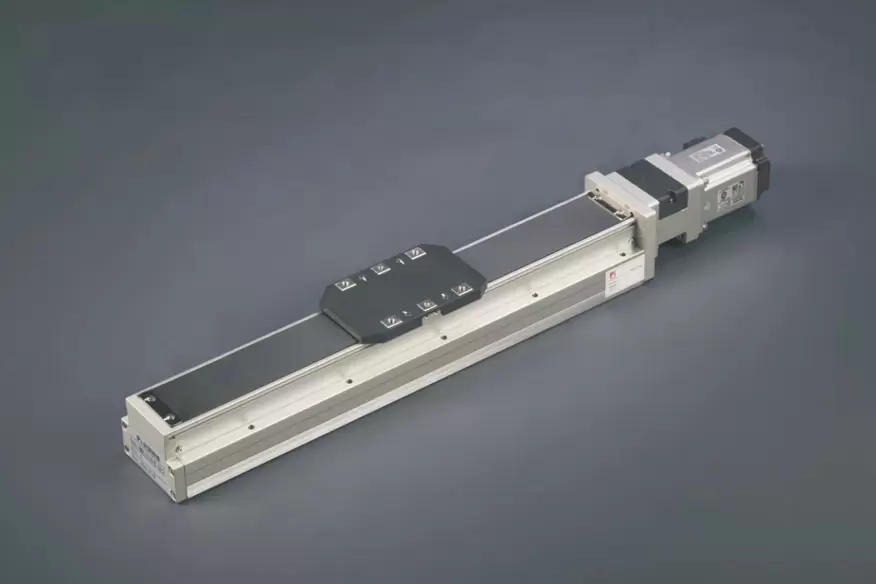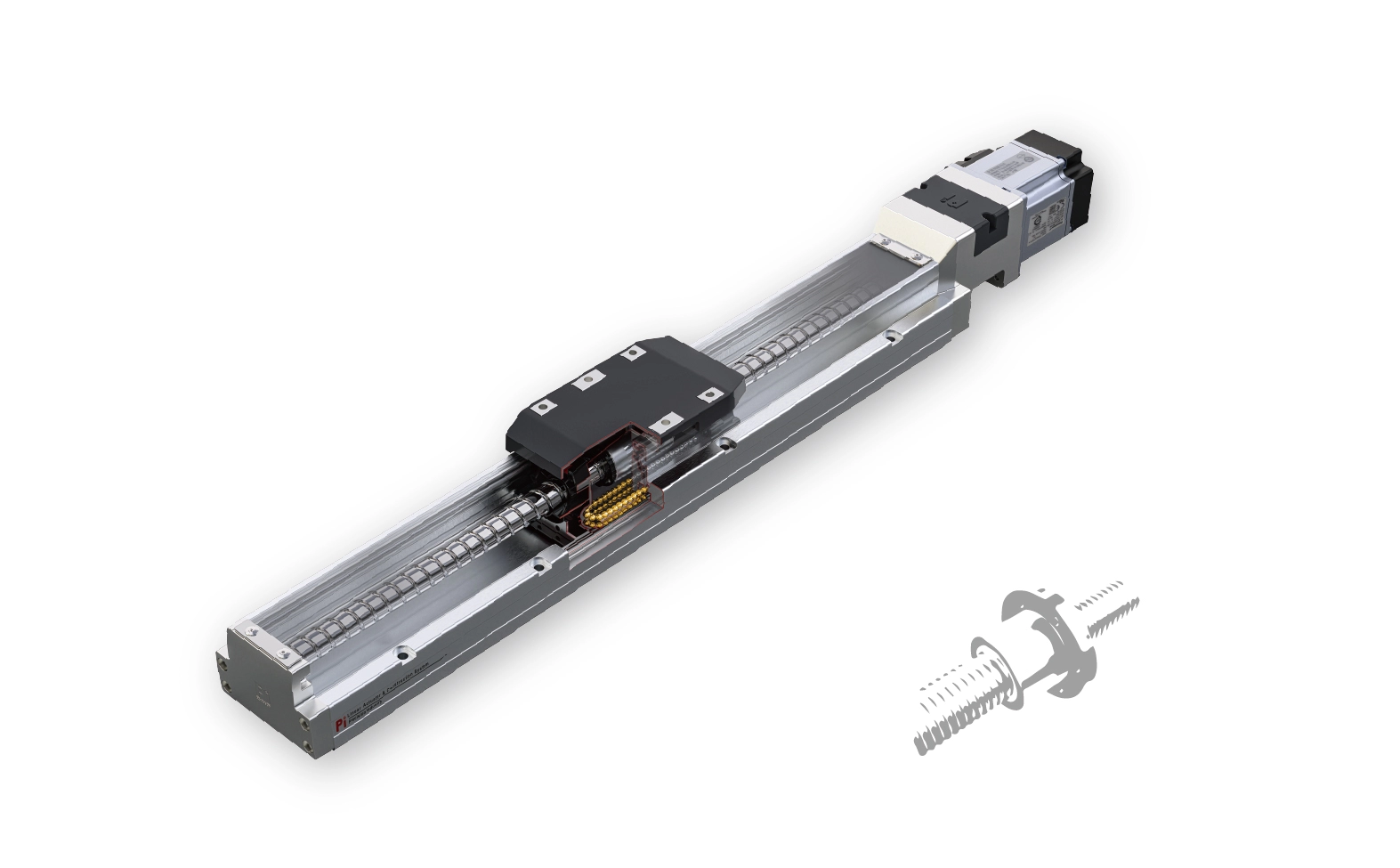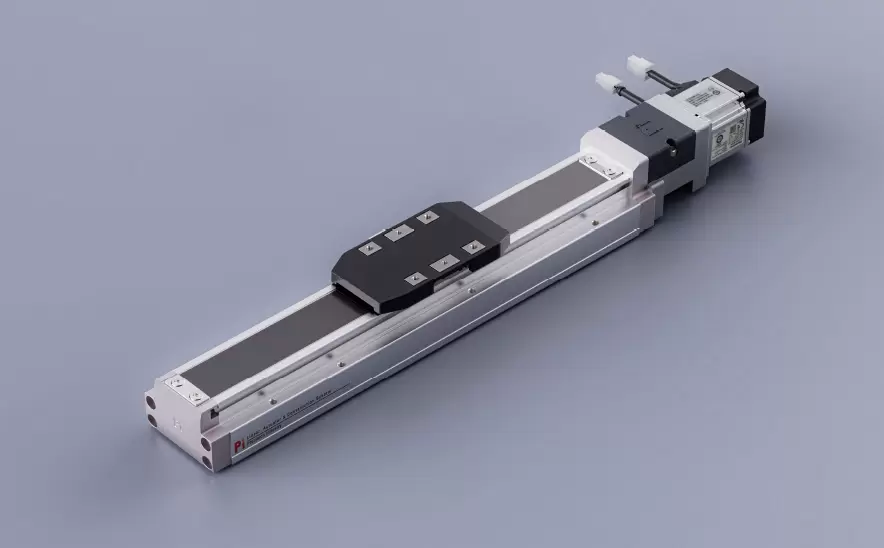
Motor Bottom Side
Repeatability:±0.005/0.01mmHorizontal Load:150kgVertical Load:55kgMaximum Speed:2000mm/sTravel Range:100-1500mm

 Current location:Home > Company > News > Latest news > How to Integrate a Precision Positioning Slide Table into Automated Systems
 Date: May 06 2026
Automation is all about consistency, speed, and accuracy—and that’s exactly where a precision positioning slide table comes in. But simply installing one into your system doesn’t guarantee good results. Integration is where the real work happens.
From what I’ve seen on the shop floor and during system setups, the difference between a smooth-running automated line and a frustrating one often comes down to how well the slide table is integrated—not just mechanically, but electrically and logically too.
Let’s walk through how to do it right.
Before you mount anything, define what the slide table is responsible for.
Ask yourself:
Is it positioning parts for inspection?
Feeding components into another machine?
Handling precise alignment in an assembly step?
Knowing its exact role helps you determine stroke length, load capacity, speed requirements, and control strategy. Without this clarity, integration quickly turns into trial and error.
A precision slide table needs a stable and accurate mounting surface.
Ensure the base is flat and rigid
Avoid uneven stress during installation
Use proper torque when tightening bolts
Even slight misalignment at this stage can affect positioning accuracy later.
Pro tip:
If your system includes multiple axes, align them carefully to avoid binding or cumulative errors.
Most automated systems rely on either servo motors or stepper motors. Your slide table should match the system’s requirements.
Servo-driven systems are ideal for high precision and dynamic motion
Stepper systems work well for simpler, cost-sensitive applications
Make sure the motor, driver, and controller are compatible—not just electrically, but also in terms of communication protocols.
Integration doesn’t stop at hardware. Your slide table needs to “talk” to the rest of the system.
Common control methods include:
PLC (Programmable Logic Controller)
Industrial PC
Motion controllers
Key things to check:
Communication protocol (EtherCAT, Modbus, etc.)
Input/output signal compatibility
Response time and synchronization
A well-integrated control system ensures the slide table moves exactly when it should—no delays, no conflicts.
In automation, timing is everything.
Your slide table may need to coordinate with:
Robotic arms
Conveyor systems
Vision inspection units
Make sure motion sequences are synchronized to avoid collisions or idle time.
For example, the slide table should only move into position once a part is detected and ready—not before, not after.
It’s easy to overlook, but poor cable management can cause real problems.
Use drag chains or cable carriers for moving parts
Keep power and signal cables separated to reduce interference
Ensure cables have enough slack without being loose
Clean routing not only improves reliability but also makes maintenance easier.
Automation systems must be safe to operate.
When integrating your slide table:
Add limit switches or end-of-travel sensors
Include emergency stop functionality
Define safe motion zones in the control system
Safety features protect both operators and equipment—and they’re not optional.
One of the biggest mistakes is trying to run the full system immediately after installation.
Instead:
Test the slide table independently
Verify motion accuracy and repeatability
Integrate with one component at a time
Gradually build up to full system operation
This step-by-step approach makes troubleshooting much easier.
Automation systems are often tightly packed, but don’t sacrifice accessibility.
Make sure you can:
Reach lubrication points
Inspect key components
Replace parts if needed
A system that’s hard to maintain won’t stay precise for long.
Integrating a precision positioning slide table into an automated system is less about complexity and more about coordination. Mechanical setup, electrical connections, and control logic all need to work together seamlessly.
When done right, the slide table becomes a reliable part of your workflow—quietly delivering accurate, repeatable motion cycle after cycle.
If you’re planning a new automation project or upgrading an existing one, taking the time to integrate properly will save you far more time down the line.