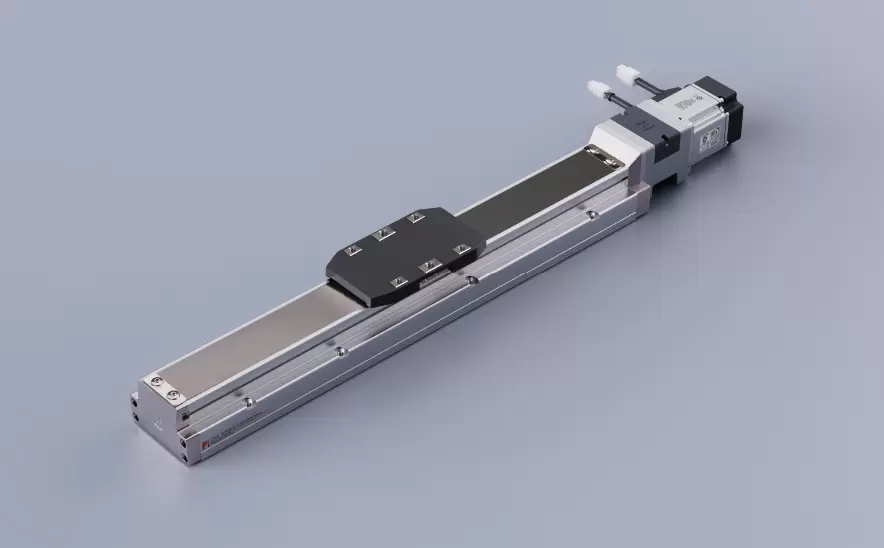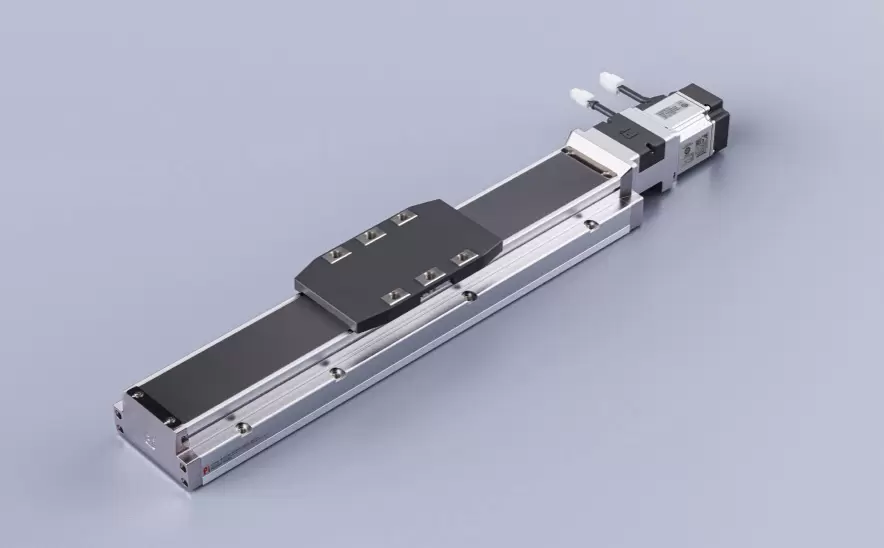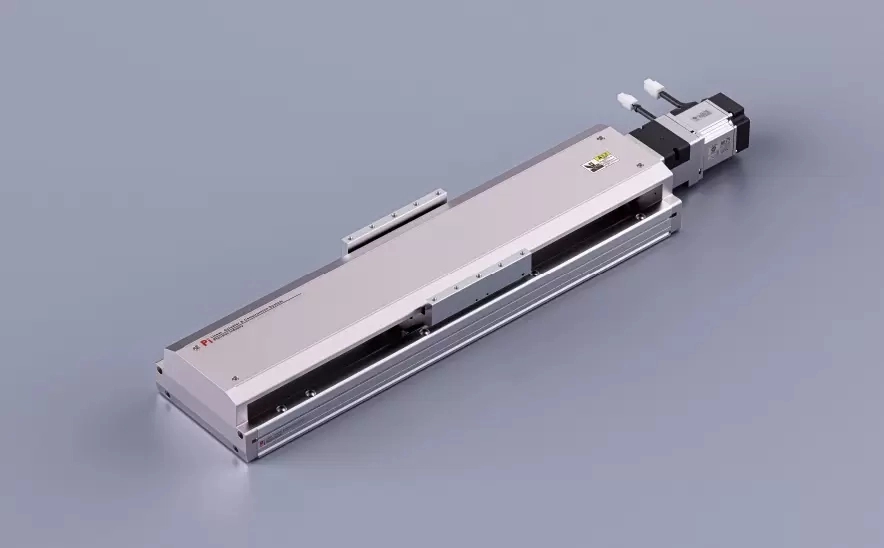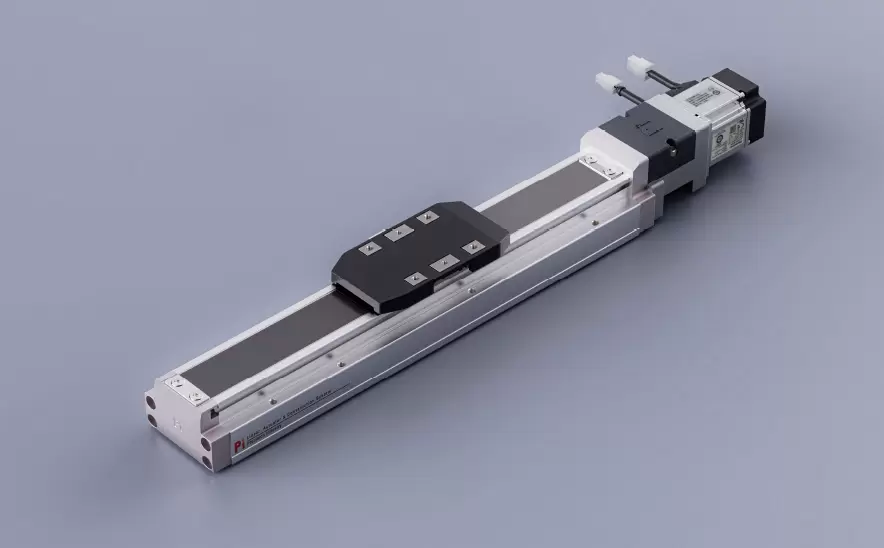
Motor Bottom Side
Repeatability:±0.005/0.01mmHorizontal Load:150kgVertical Load:55kgMaximum Speed:2000mm/sTravel Range:100-1500mm

 Current location:Home > Company > News > Latest news > Routine Inspection Checklist for Precision Positioning Slide Tables
 Date: Jul 15 2026
Precision positioning slide tables are widely used in automation equipment, semiconductor manufacturing, optical systems, laboratory instruments, and other applications where accuracy and stability are critical. As a manufacturer of precision positioning solutions, we understand that maintaining the performance of a slide table is not only about fixing problems after they occur — it is about identifying potential issues early through regular inspections.
A well-planned inspection routine can help extend service life, reduce unexpected downtime, and ensure that the positioning system continues to meet accuracy requirements. This article provides a practical checklist for inspecting precision positioning slide tables and explains what users should pay attention to during daily operation and scheduled maintenance.
A precision positioning slide table operates through the cooperation of multiple components, including guide systems, drive mechanisms, mounting structures, sensors, and control elements. Even small changes, such as dust accumulation, insufficient lubrication, or loose connections, may gradually affect positioning accuracy.
Regular inspections help users:
Maintain stable positioning performance
Detect abnormal wear before serious damage occurs
Prevent unexpected equipment shutdowns
Reduce long-term maintenance costs
Keep motion accuracy within required specifications
For equipment used in high-precision environments, inspection should be considered part of normal operation rather than an occasional maintenance task.
Start every inspection with a visual check of the overall slide table condition.
☐ Check for visible damage, deformation, or corrosion
☐ Confirm that the mounting surface remains clean and stable
☐ Remove dust, metal particles, or other contaminants around moving areas
☐ Check whether protective covers or seals are properly installed
Foreign particles can enter the motion system and increase friction or cause uneven movement. Keeping the working environment clean is one of the simplest ways to protect precision components.
Smooth and stable movement is one of the most important indicators of a precision slide table’s condition.
During operation, check:
☐ Does the slide move smoothly across the entire travel range?
☐ Is there unusual noise, vibration, or resistance?
☐ Does the movement speed remain consistent?
☐ Are there signs of sticking or uneven motion?
Abnormal sounds or sudden changes in movement behavior may indicate issues such as guide wear, contamination, insufficient lubrication, or mechanical adjustment problems.
Precision positioning systems depend on repeatable and reliable movement. Regular accuracy checks can help identify performance changes.
Recommended checks include:
☐ Compare actual position with expected position values
☐ Check repeatability during repeated movements
☐ Monitor any increase in positioning deviation
☐ Confirm that sensors and feedback systems operate correctly
If positioning accuracy gradually decreases, the cause may not always be the control system. Mechanical conditions, environmental changes, and installation factors should also be considered.
The drive mechanism is responsible for converting motor movement into precise linear motion. Its condition directly affects positioning performance.
Inspect:
☐ Drive screw or transmission components for abnormal wear
☐ Coupling connections for looseness
☐ Motor mounting stability
☐ Unusual heat generation during operation
For motor-driven slide tables, stable connections between the motor and mechanical structure are essential for maintaining accuracy and minimizing vibration.
Proper lubrication reduces friction and helps protect moving components.
During inspection:
☐ Confirm that lubrication is sufficient
☐ Check for dry or uneven lubrication areas
☐ Remove old or contaminated lubricant when necessary
☐ Apply recommended lubricant according to the manufacturer’s guidelines
Over-lubrication should also be avoided, as excessive lubricant may attract dust and affect precision motion performance.
Many precision slide tables work together with motors, controllers, and position feedback devices. Electrical reliability is therefore equally important.
Check:
☐ Cable connections for looseness or damage
☐ Sensor mounting positions
☐ Connector conditions
☐ Controller feedback signals
A loose connection may result in unstable operation or inaccurate positioning, even when the mechanical structure is in good condition.
The surrounding environment can significantly influence precision equipment performance.
Consider checking:
☐ Temperature changes around the equipment
☐ Humidity levels
☐ Exposure to dust or chemical substances
☐ External vibration sources
For applications requiring high accuracy, maintaining a stable environment is often just as important as maintaining the slide table itself.
Different applications require different inspection frequencies. A general reference schedule is shown below:
| Inspection Item | Recommended Frequency |
|---|---|
| Visual condition check | Daily or before operation |
| Motion performance check | Weekly |
| Lubrication inspection | Monthly or based on usage |
| Positioning accuracy verification | Regular production intervals |
| Complete system inspection | Scheduled maintenance period |
Heavy-duty applications or cleanroom environments may require customized inspection plans based on operating conditions.
Users should consider a detailed inspection when they notice:
Increased operating noise
Reduced positioning repeatability
Unexpected movement errors
Higher motor load
Irregular movement speed
Visible contamination or wear
Early detection allows corrective action before a minor issue develops into a major equipment failure.
To achieve consistent performance from a precision positioning slide table, users should combine regular inspection with proper operating practices:
Prevent dust and particles from entering precision motion areas.
Use appropriate maintenance methods and avoid unnecessary adjustments.
Keeping maintenance records helps identify performance trends and supports preventive maintenance planning.
When replacement is required, components should match the original design requirements to maintain system accuracy.
Routine inspection is an essential part of maintaining precision positioning slide tables. A simple but consistent checklist can help users discover potential problems early, protect critical components, and maintain reliable positioning performance over time.
At our precision positioning slide table manufacturing facility, we believe that product quality extends beyond manufacturing. Providing users with practical maintenance knowledge helps ensure that every positioning system delivers stable and accurate performance throughout its service life.
By following a structured inspection routine, companies can improve equipment reliability, reduce downtime, and achieve better results from their precision motion systems.